Developer Role Overview
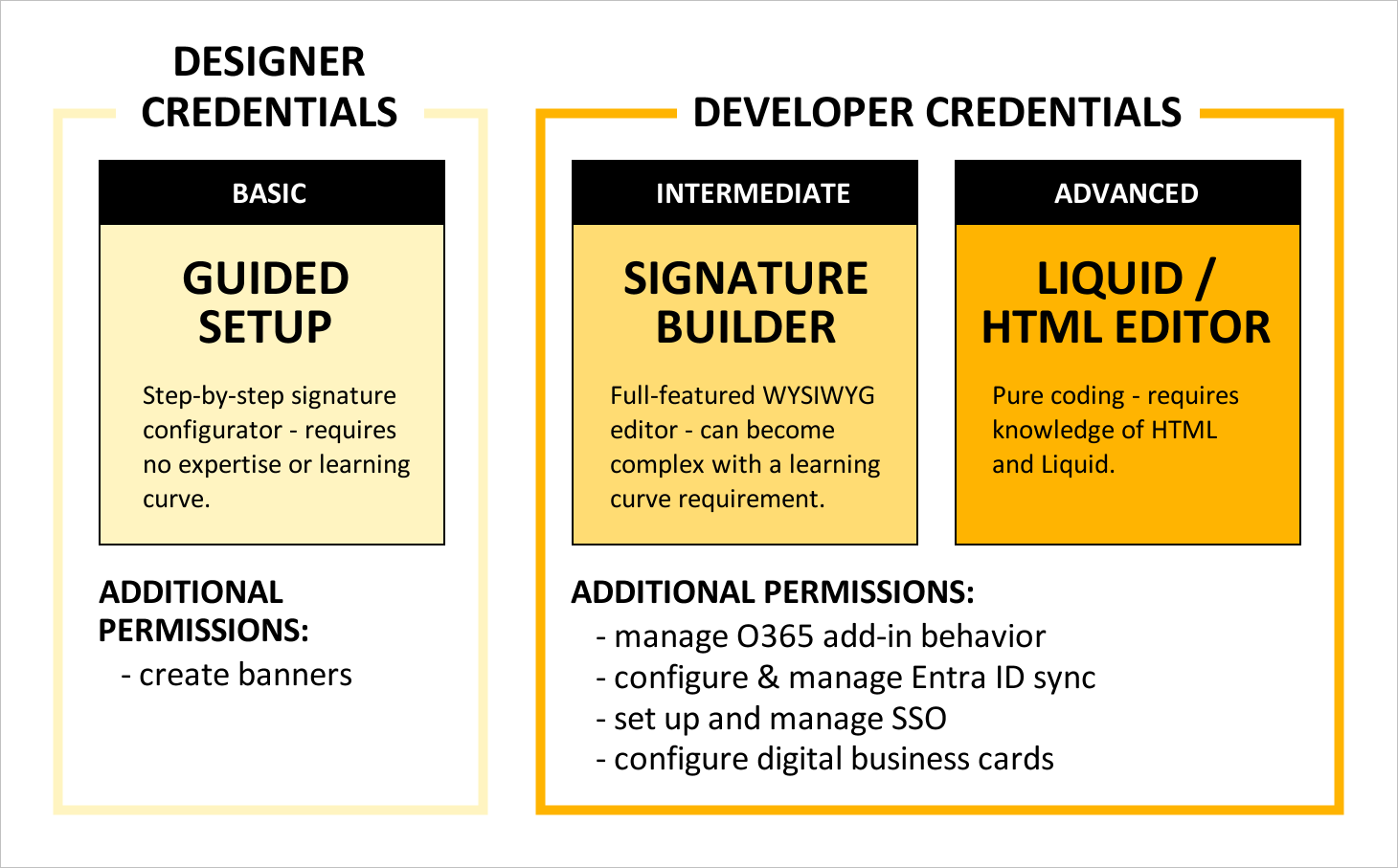
If your need for control over Dynasend exceeds what a Designer and/or Manager can provide, you may need to get someone set up with Developer credentials.
Identifying your developer
If you have purchased Dynasend through a reseller (your MSP), it's most likely that they'll serve in the capacity of your developer. In this case, simply send your add-in configuration or signature content & layout requests to them, as they will be managing your program for you.
If you have purchased Dynasend directly, contact us to request Developer credentials.
This section of our documentation is devoted exclusively to developers, and includes: