Set Up Your Program in 10 Minutes
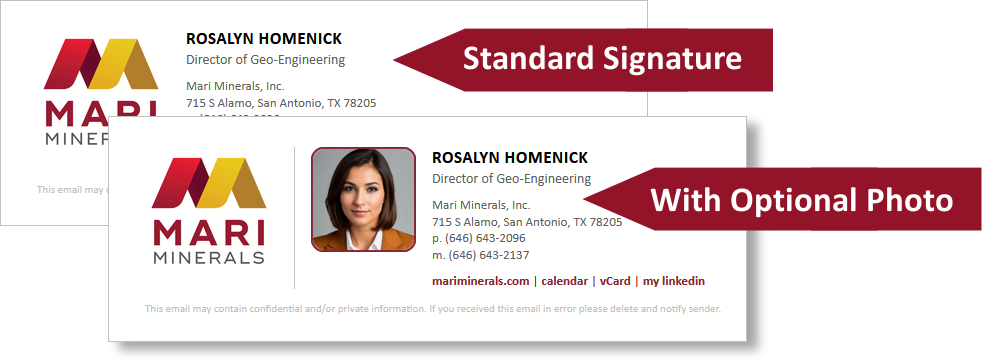
Optional: Photos in Signatures
User photos can be included in your signature design. These can be set to either optional or required, and can be easily uploaded by the user via the Dynasend user portal.
Multiple Locations
If you need to add more than one location to your program, the process is as follows:
- Add one location while working through the Guided Setup process.
- Add subsequent locations as explained here.
Multiple Programs
If you need to set up more than one signature program for your company, you can do so just by repeating the Guided Setup process. Your users will then see a drop-down menu that will list your various programs, so they can select the one that fits their needs. Please be sure to name your programs well, because the name you provide is what your users will see in the drop-down menu.
Final Step before the Signature Program is Functional
To activate the signatures for use in Outlook, your O365 admin (an IT person) will need to deploy the Dynasend O365 add-in. Here are the instructions for this process.